How it works
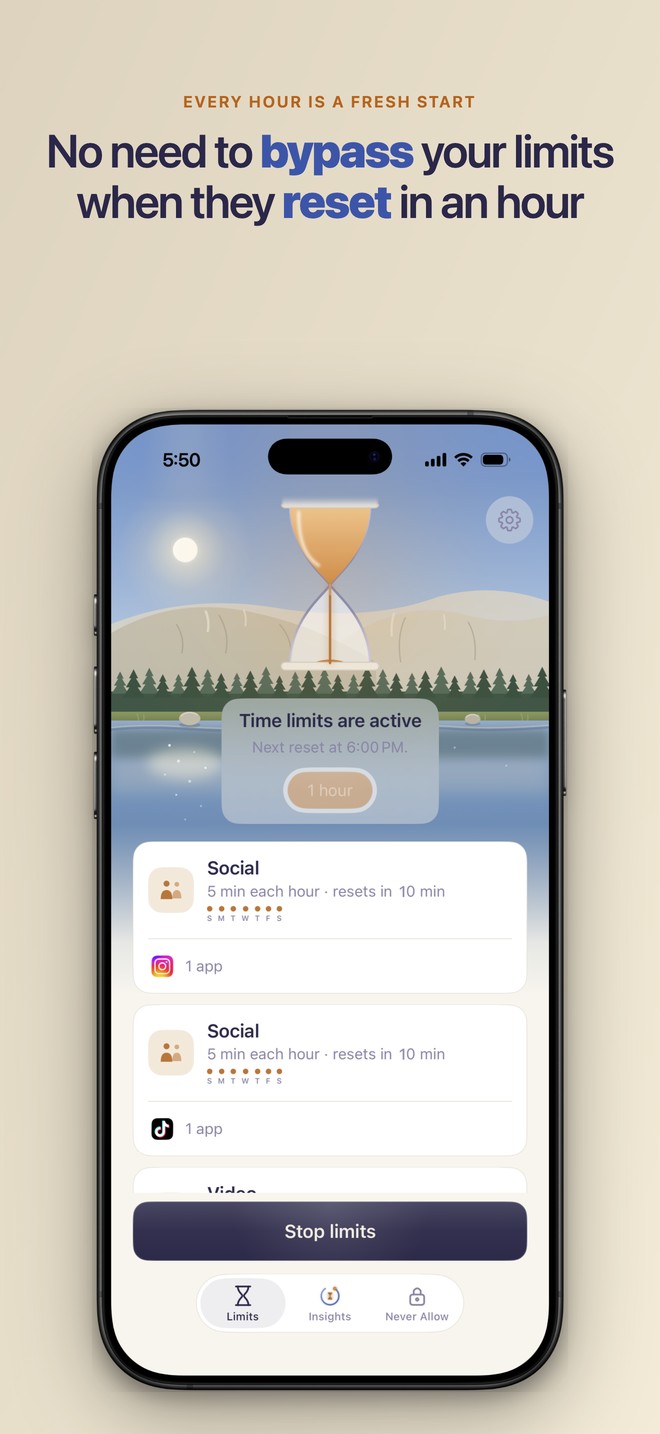
You group the apps you overuse and give each group a small allowance, say 5 minutes an hour. Use it whenever you want inside the hour. When it is spent, those apps are blocked behind a calm shield. At the top of the next hour your allowance resets, automatically, all day. You set it once and the rhythm repeats. Enough to check in, never enough to fall in.
Around that core, version 1.1 added the controls people asked for. Each group runs in one of three modes: Easy blocks the app and still lets you wave the block away, Normal blocks it and lets you ask for more time, Hard blocks it and allows one stop a day. Asking for more time is deliberately priced: you write a real reason, then hold a button, and the hold grows every time you ask inside the same day. Every reason you write stays on the device and reads back on the Insights page. Each group also carries its own schedule, by day of the week and, with Precursor+, by hour of the day. For a parent helping someone practice moderation on that person's own phone, Parent Mode makes the passcode required and replaces the 24 hour reset wait with a security question, and uninstall protection hides Delete App from the home screen. Precursor still monitors nobody and reports nowhere.
Fact sheet
- App
- Precursor: Hourly Screen Time (iOS 17.6+, iPhone and iPad; full landscape and portrait support on iPad)
- Category
- Productivity (also Health & Fitness)
- Developer
- Solo dev/founder, U.S. Precursor Labs LLC.
- Price
- The core hourly limit will always be free. Precursor+ adds a bit more flexibility with your limits, as a subscription or a one-time Lifetime purchase. Current pricing is shown in the app and on the App Store.
- Launch
- August 1, 2026 on the App Store, with a Product Hunt launch the same day.
- Availability
- Worldwide on the App Store, in English. An Android version is in review with Google and opens to a public beta after that.
- Built on
- Apple's Screen Time frameworks (Family Controls, Device Activity, Managed Settings), the same system APIs behind Apple's own Screen Time.
- Limit modes
- Easy (block is dismissable), Normal (ask for more time, five stops per 24 hours), Hard (no extra time, one stop per 24 hours). Set per group, free in all three.
- Scheduling
- Per group, by day of the week (free) and by hour of the day (Precursor+).
- For parents
- Parent Mode makes the passcode required and swaps the 24 hour passcode-reset wait for a security question; uninstall protection hides Delete App. Both act on the phone they are set up on; Precursor monitors no one and reports nowhere.
- Free vs Precursor+
- Free: 3 app groups, hourly resets, allowances to 15 minutes an hour, all three modes, day scheduling, passcode, Parent Mode. Precursor+: up to 8 groups, a 30 minute reset window, allowances to 30 minutes, hour of the day scheduling.
- Contact
- press@precursorlabs.info
I built Precursor because every other screen-time solution failed me
1The mechanic is genuinely new
People have asked for hourly app limits in public forum threads for years (2021 through 2025). Apple's Screen Time never shipped it. Precursor is the first app built entirely around the idea, and I am glad to share the threads on request.
2Daily limits get abandoned; hourly ones survive
A daily budget collapses the first bad morning: you burn the whole allowance by 9am, tap Ignore Limit, and the system quietly dies. When the limit resets every hour, relief is never more than an hour away, so it survives contact with a real day.
3Privacy by architecture, not policy
No accounts, no emails collected. iOS hands the app opaque tokens, so the developer literally cannot see which apps you pick. Enforcement is fully on-device, and the only usage analytics are anonymous and opt-in. What little the app can collect is optional and deletable from inside the app.
The founder
Common questions
Isn't this just Screen Time?
Same foundation, opposite model. Apple gives one daily budget; Precursor gives a small allowance that resets hourly. The difference is whether the limit survives a bad morning.
How is it different from Opal, one sec, or ScreenZen?
Opal and one sec do session blocks and daily limits; ScreenZen adds a friction pause before an app opens. Precursor does one thing none of them do: a small allowance that resets every hour. It is the mechanic people kept asking for in forum threads for years.
Can't you just bypass it?
You can delete the app. The optional passcode protects your settings from an impulsive edit, not your freedom. It is a tool, not a jail, and that is on purpose.
What data do you collect?
None by default. No accounts. The developer cannot see which apps you limit (that is the iOS design). The only optional data is anonymous, opt-in usage analytics on how your limits perform (the retention and Insights numbers) plus your plan tier, and you can delete all of it from inside the app. See the privacy policy for the full picture.
Colors
The signature palette. Amber as the warm accent on the deep-night ground, copper as its readable twin in light mode, a cool tracer blue for the cycle. Dark is the default look; the app and site both carry a matching light theme. The swatch names below are the design system's own internal names, kept so coverage and our files agree.
Brand assets
Free to use in coverage of Precursor. Usage notes are below the downloads.
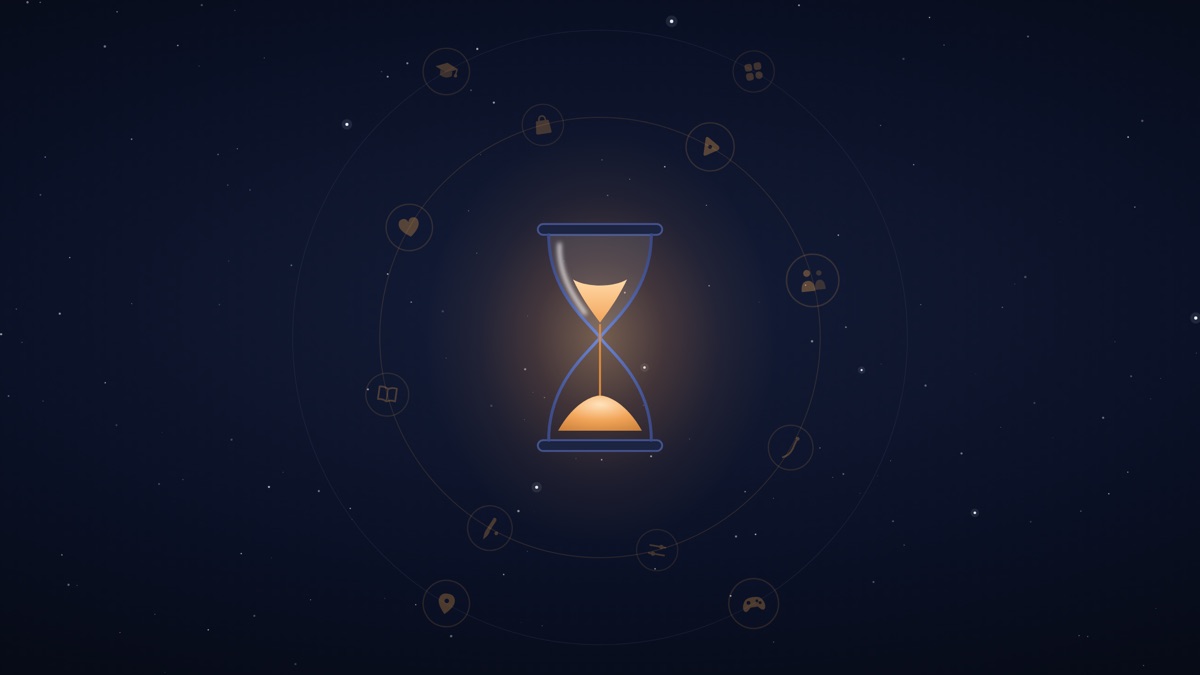
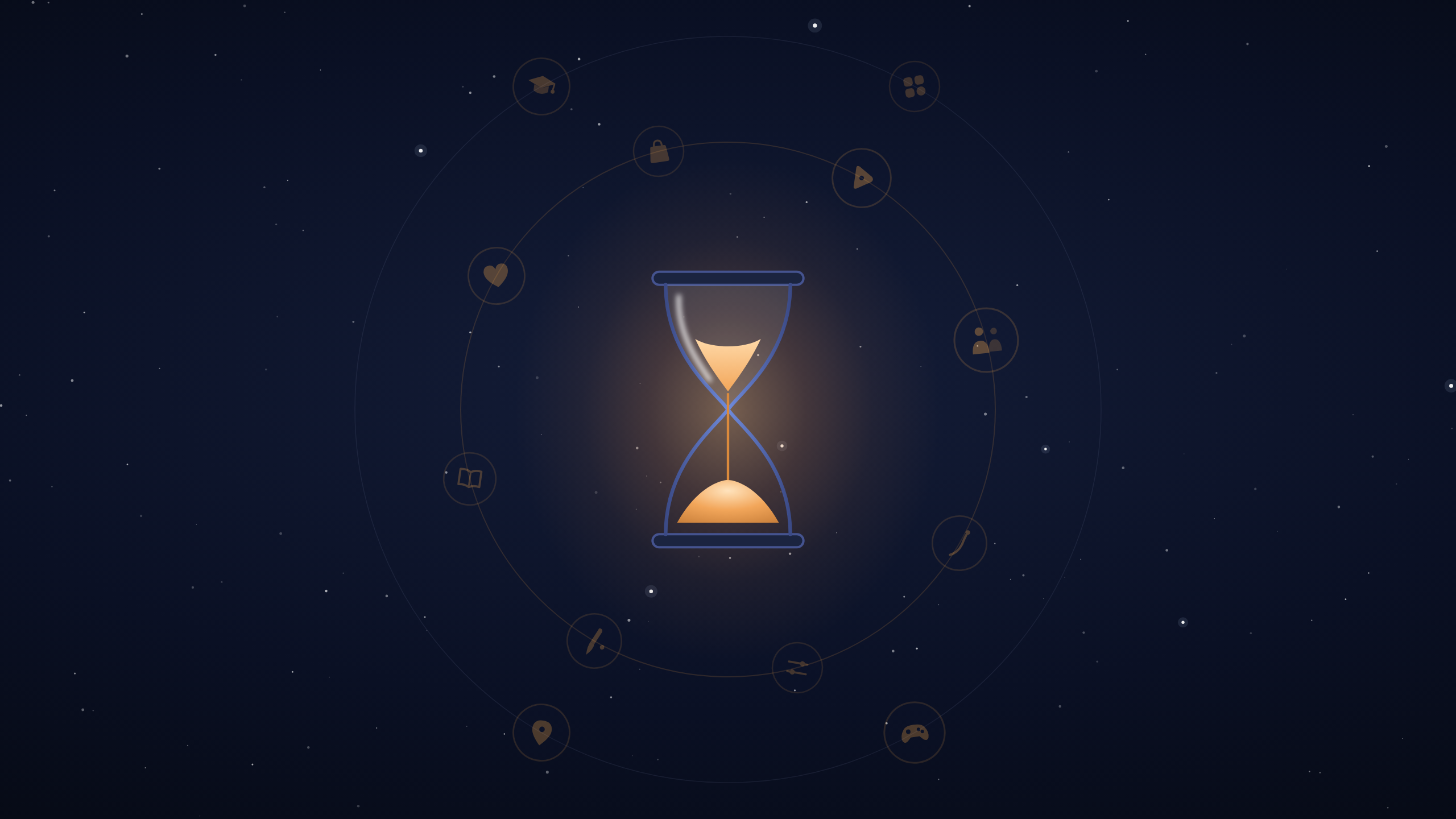
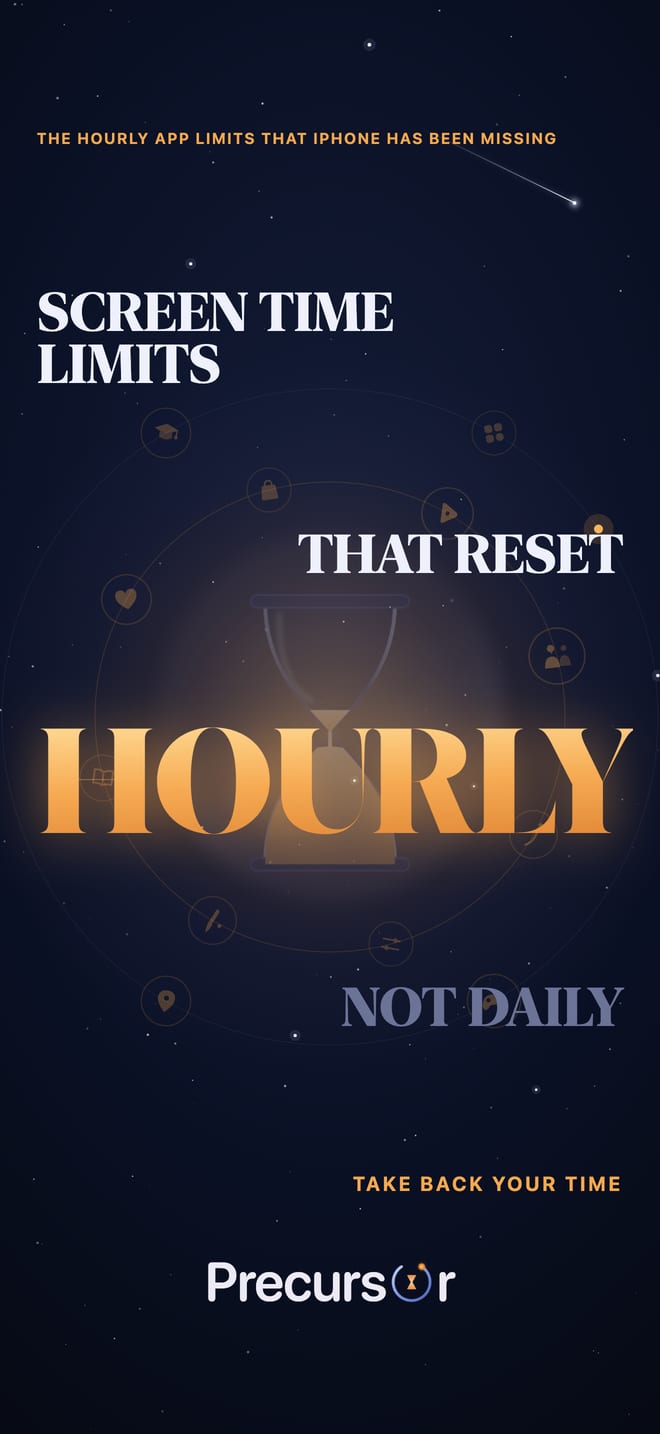
The hourglass and its orbiting app glyphs are the motif behind Precursor. Below you can download the full scene (tall, square, and wide) and a transparent version of just the hourglass and satellites to drop onto your own background.






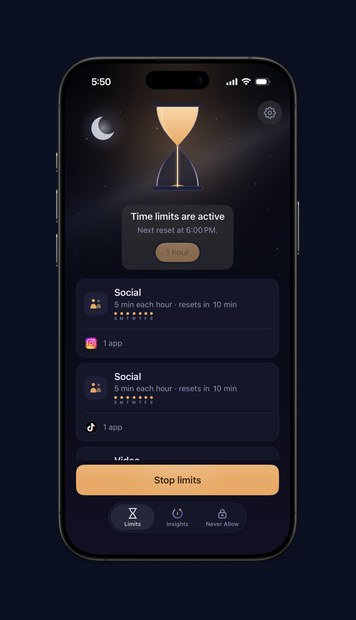
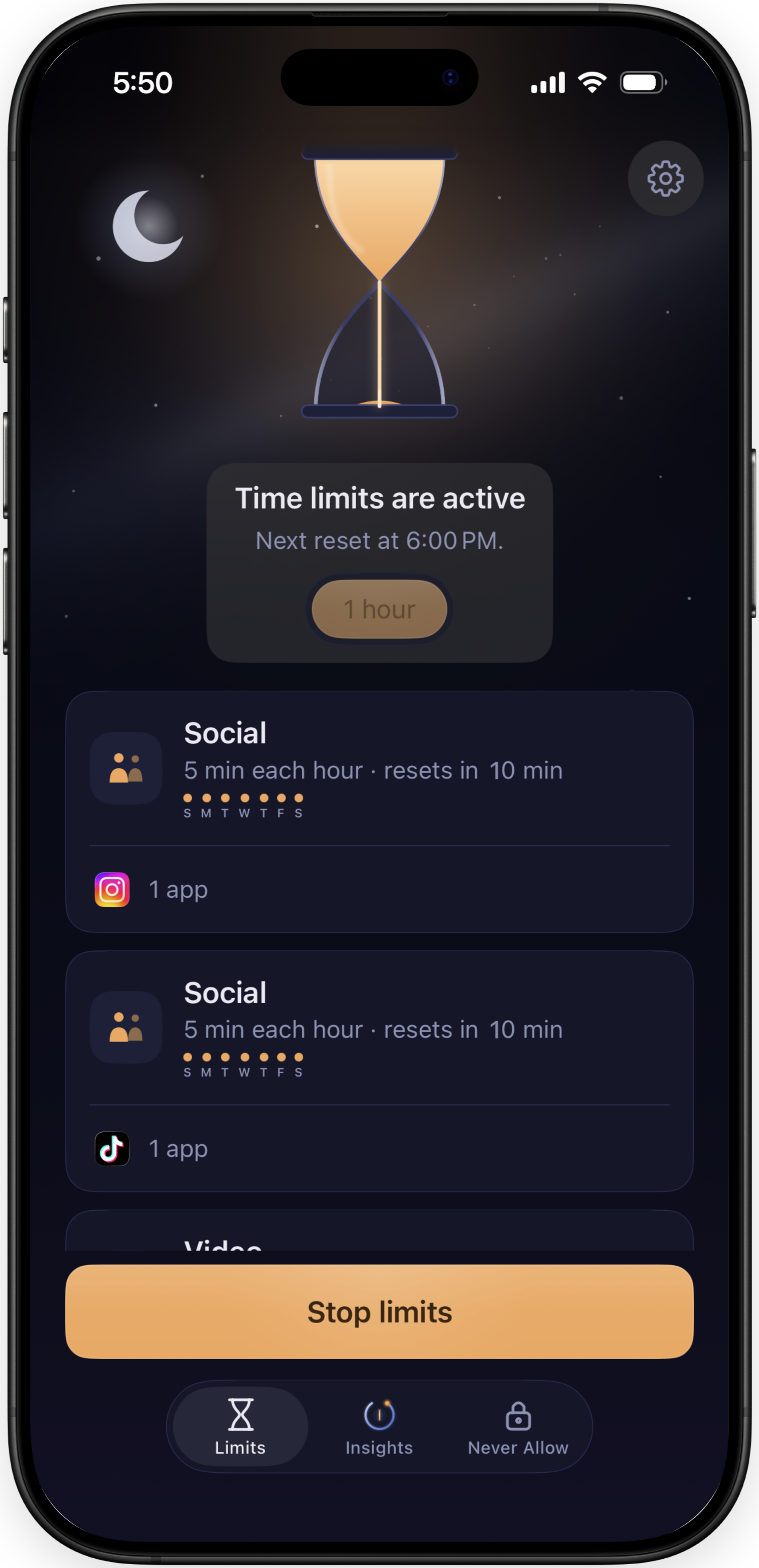
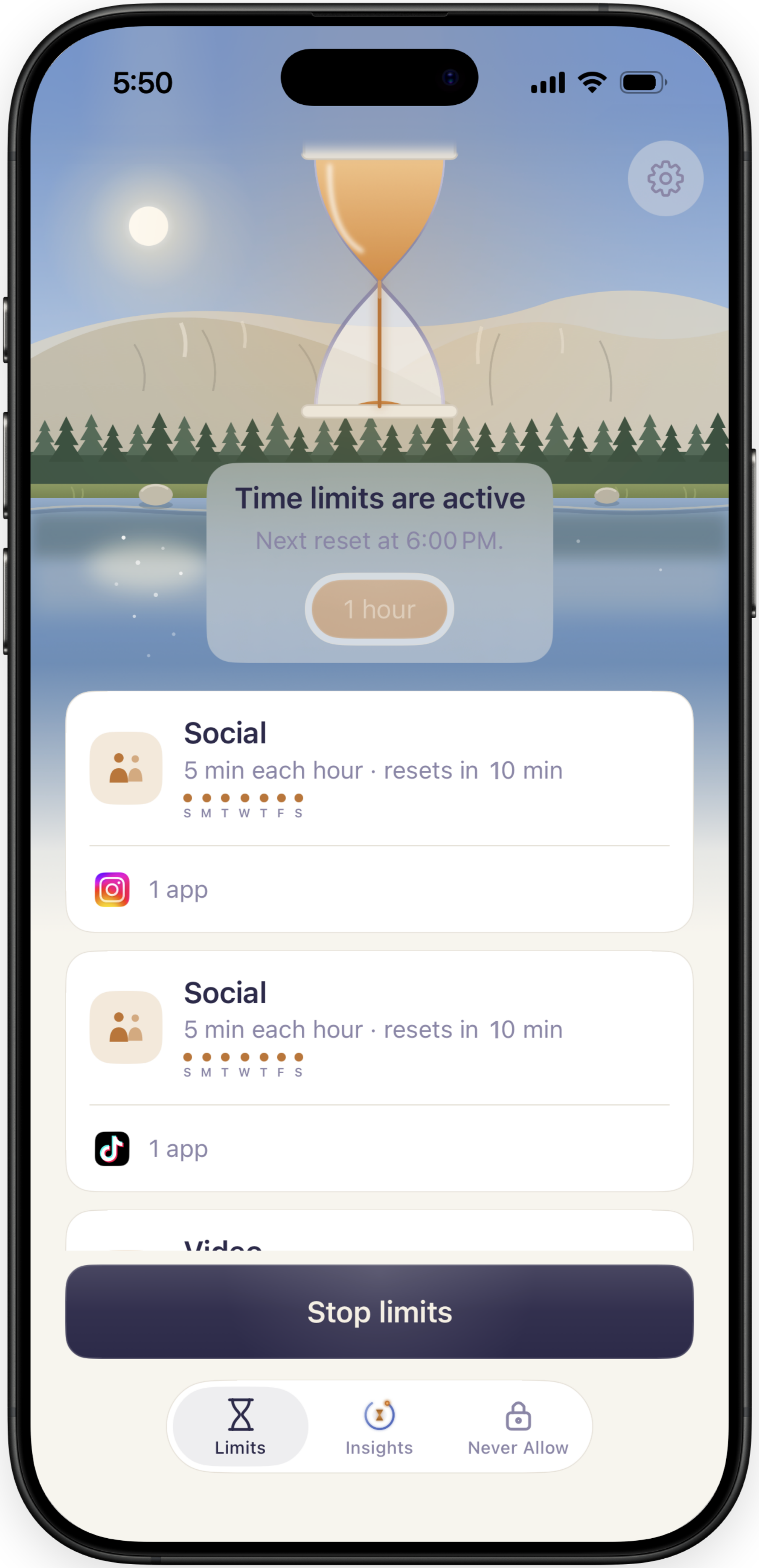
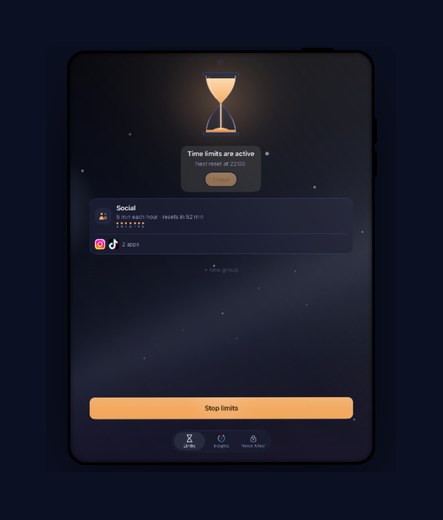
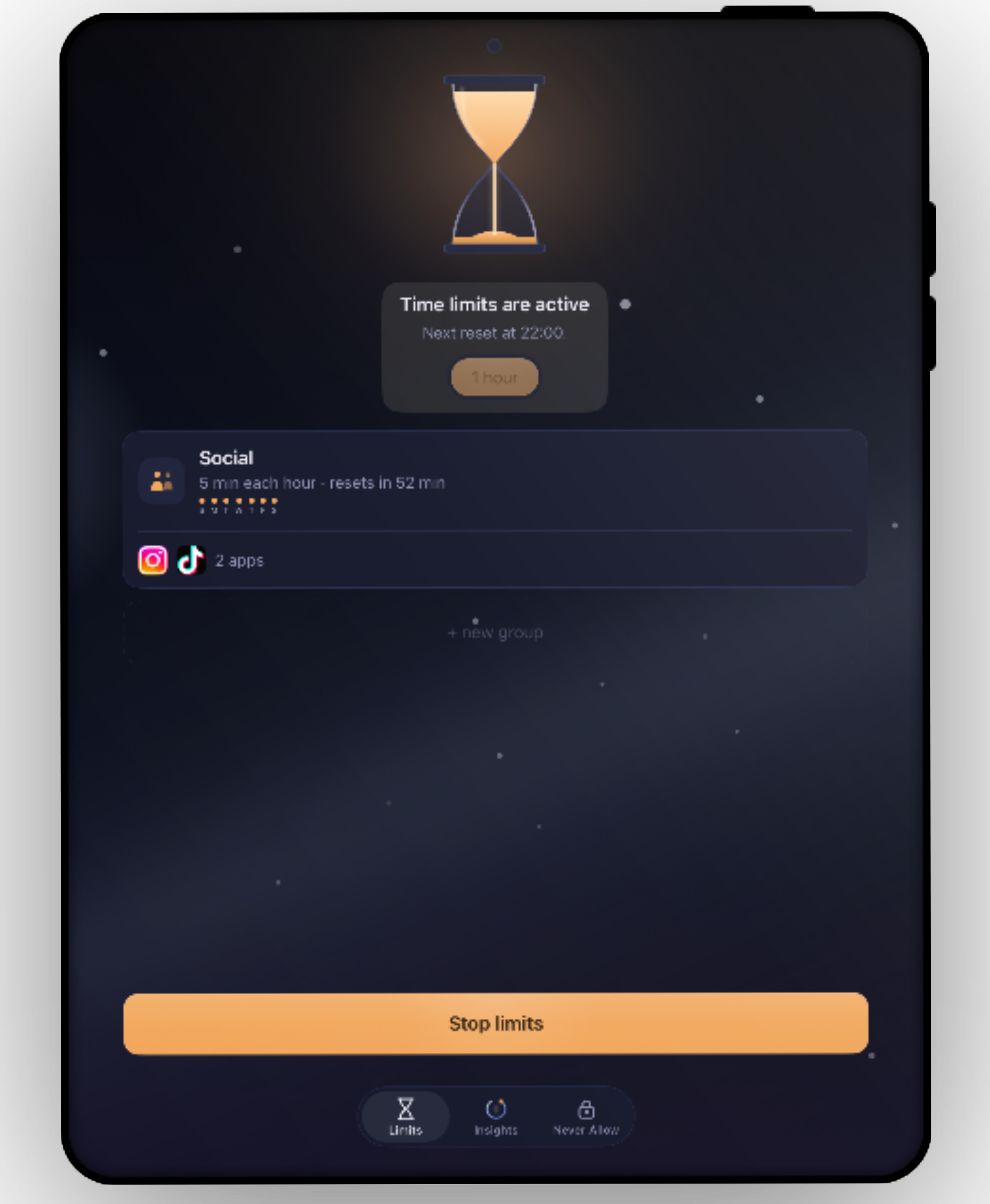
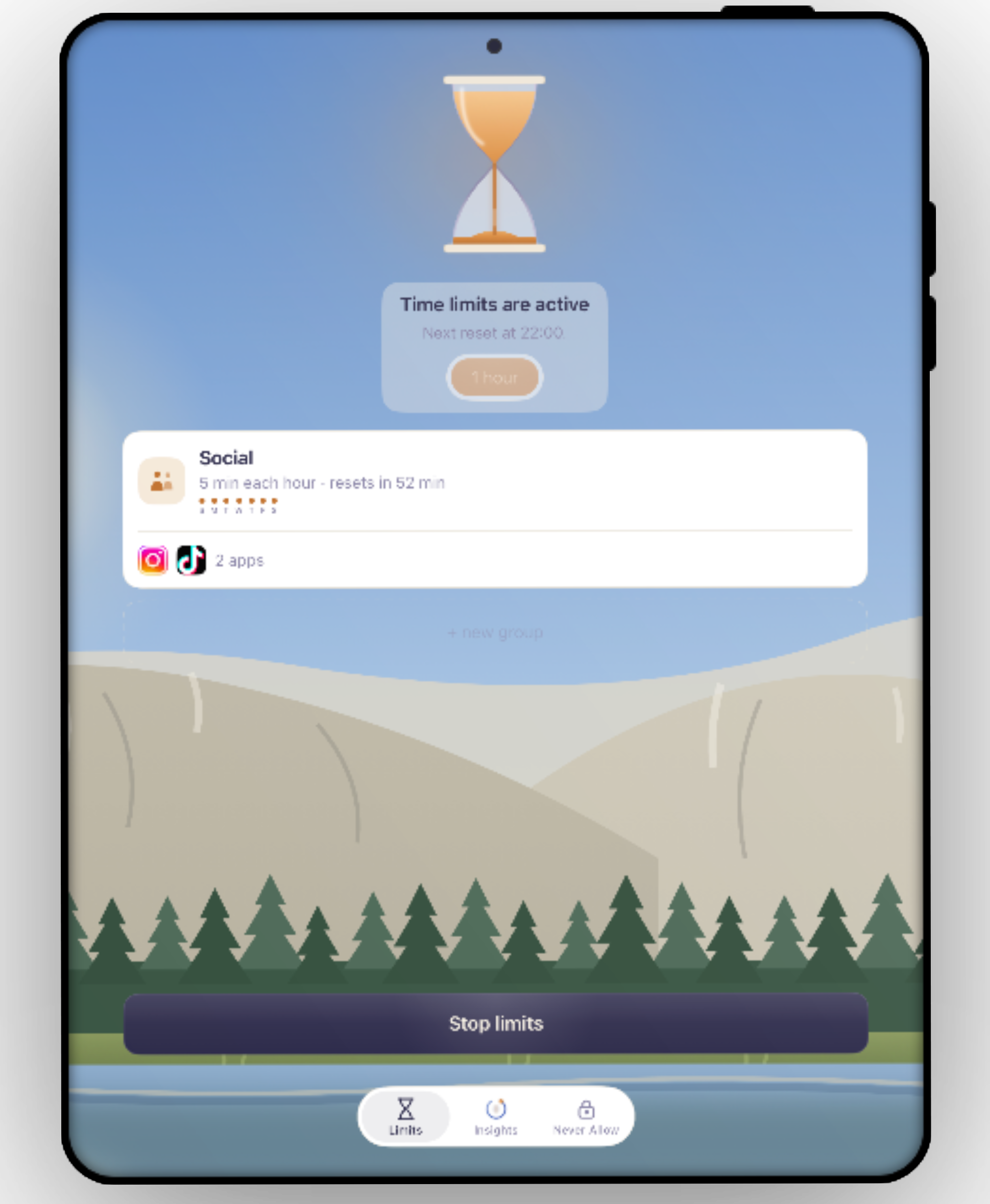
App Store screenshot deck
Six frames, dark to light. Click any frame to download it.
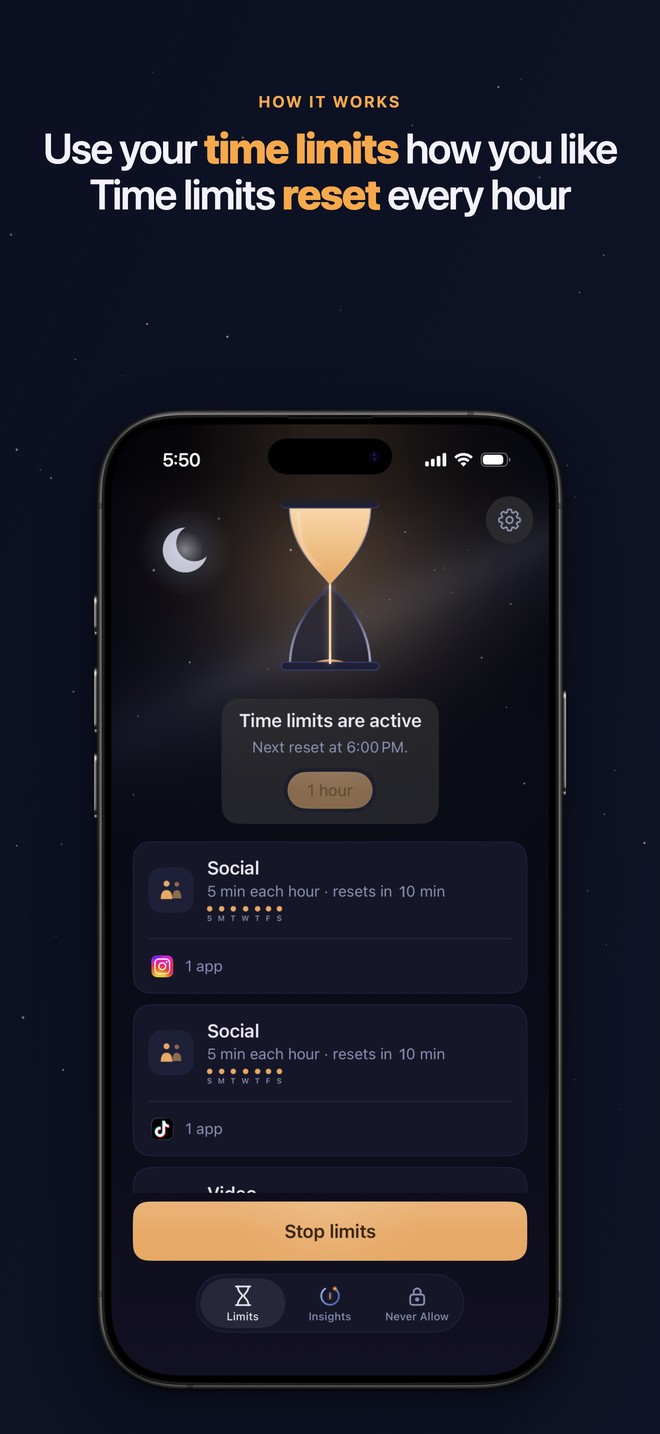
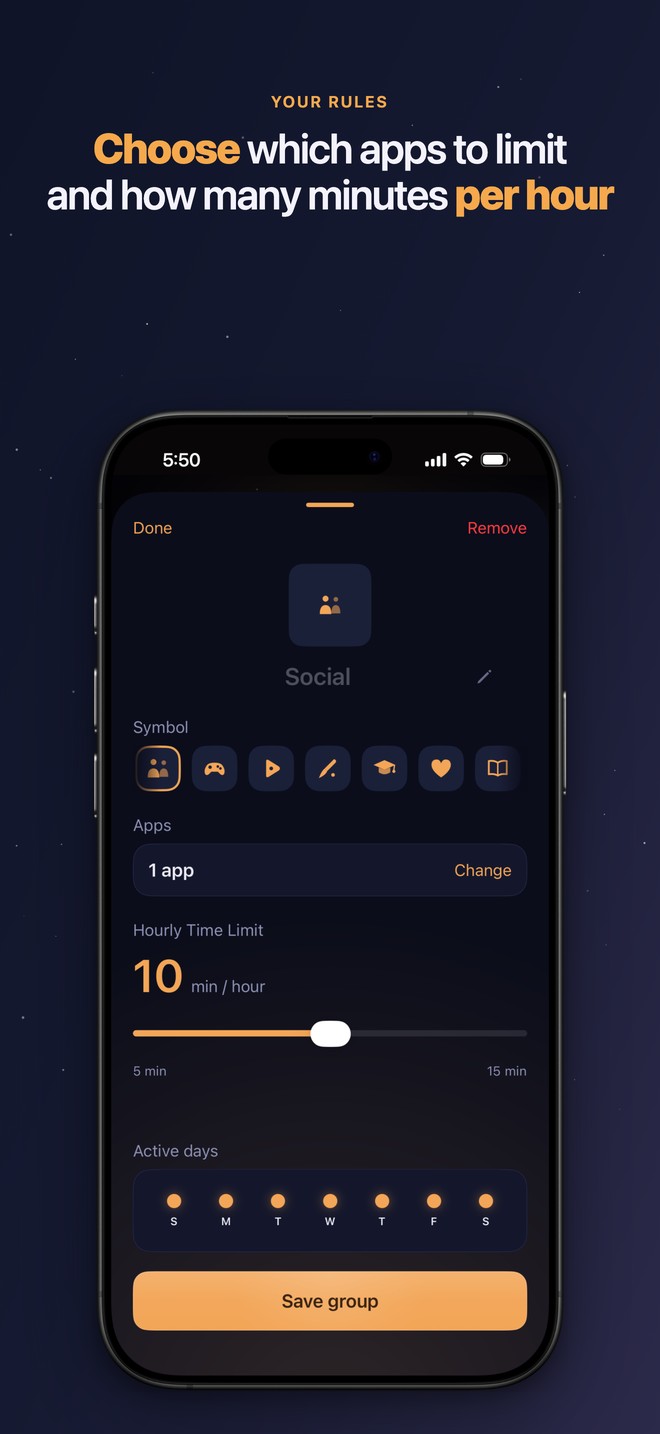
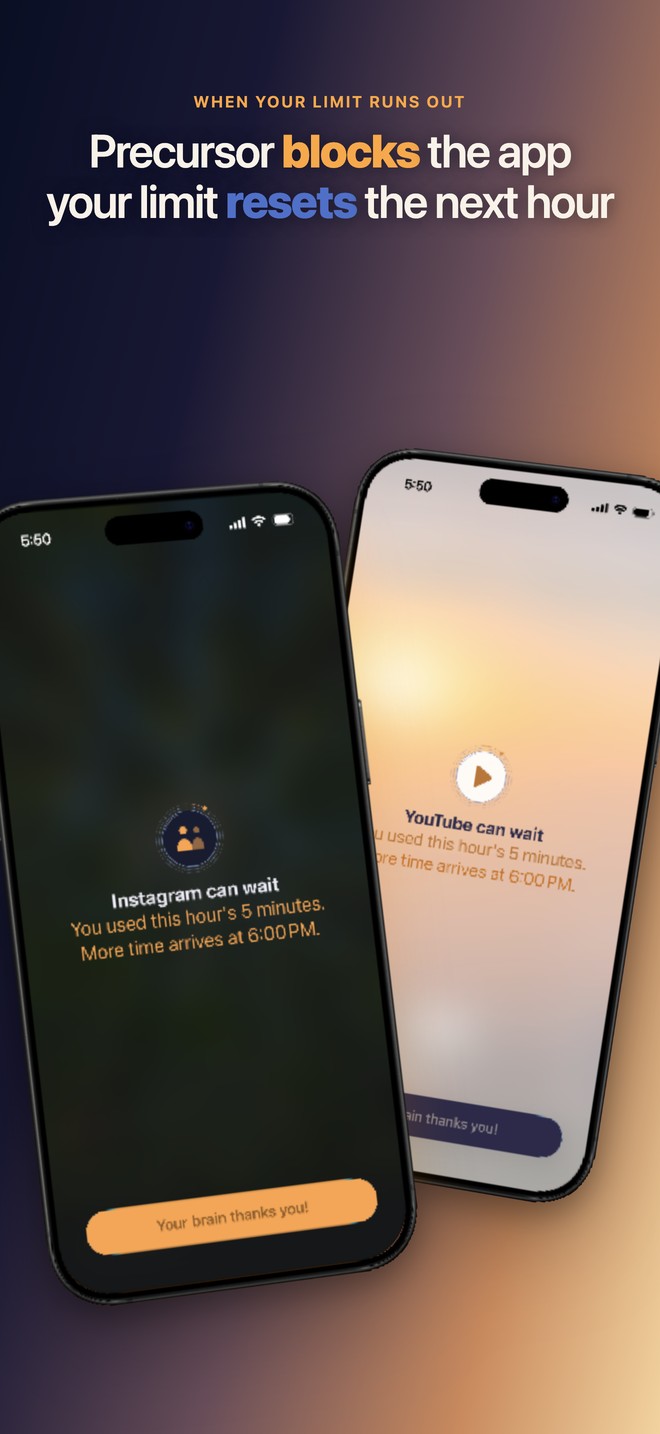
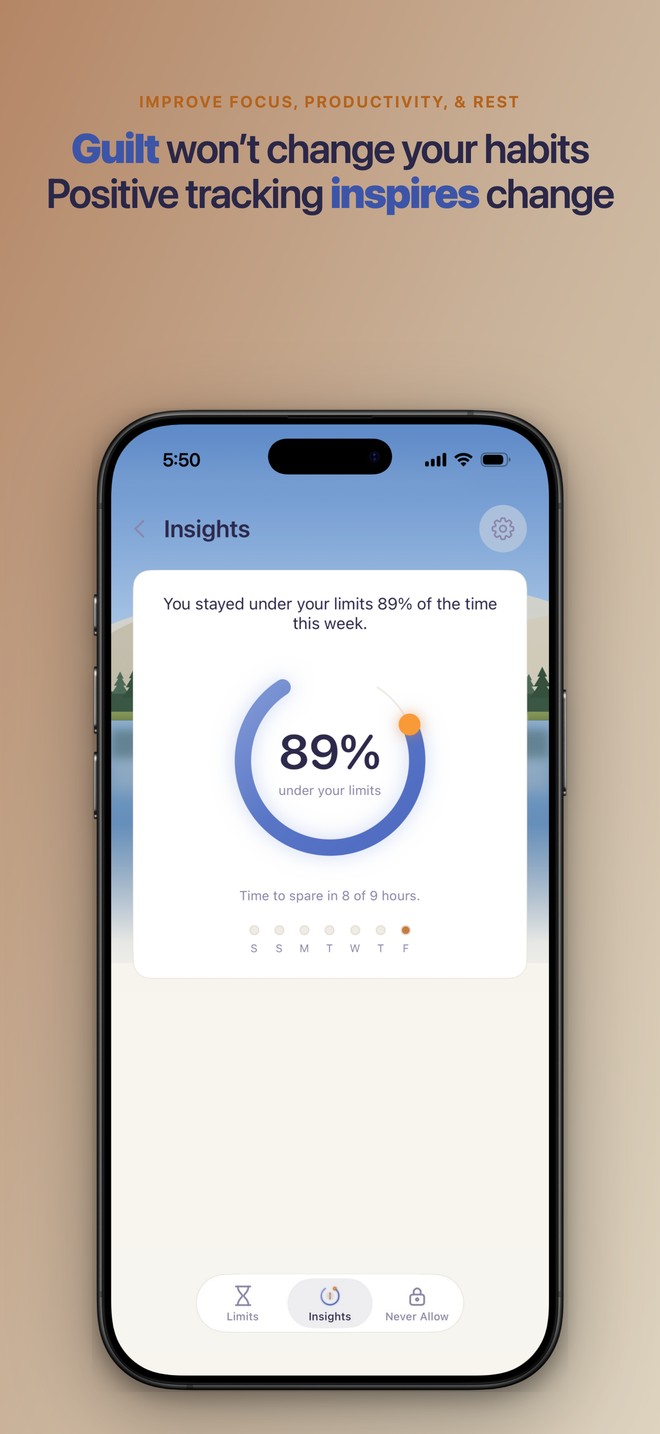
Demo footage (15-second and 30-second cuts) is available on request.
Using these assets
Please do
- Use these assets freely in coverage of Precursor.
- Keep the wordmark and icon at their original proportions and colors.
- Put the wordmark on a dark background, or use the on-light version on a light one.
- Show the app icon at its original rounded-square shape.
Please don't
- Recolor, stretch, rotate, or add effects to the wordmark or icon.
- Crop or re-annotate the app screenshots.
- Screenshot the App Store listing in place of these clean assets.
- Imply that Precursor Labs endorses your product or coverage.
Any shield or app copy shown in these assets matches the shipped app.
Boilerplate
Press contact
For interviews, the founder story, demo footage, or early access, email press@precursorlabs.info. I usually reply within a day.